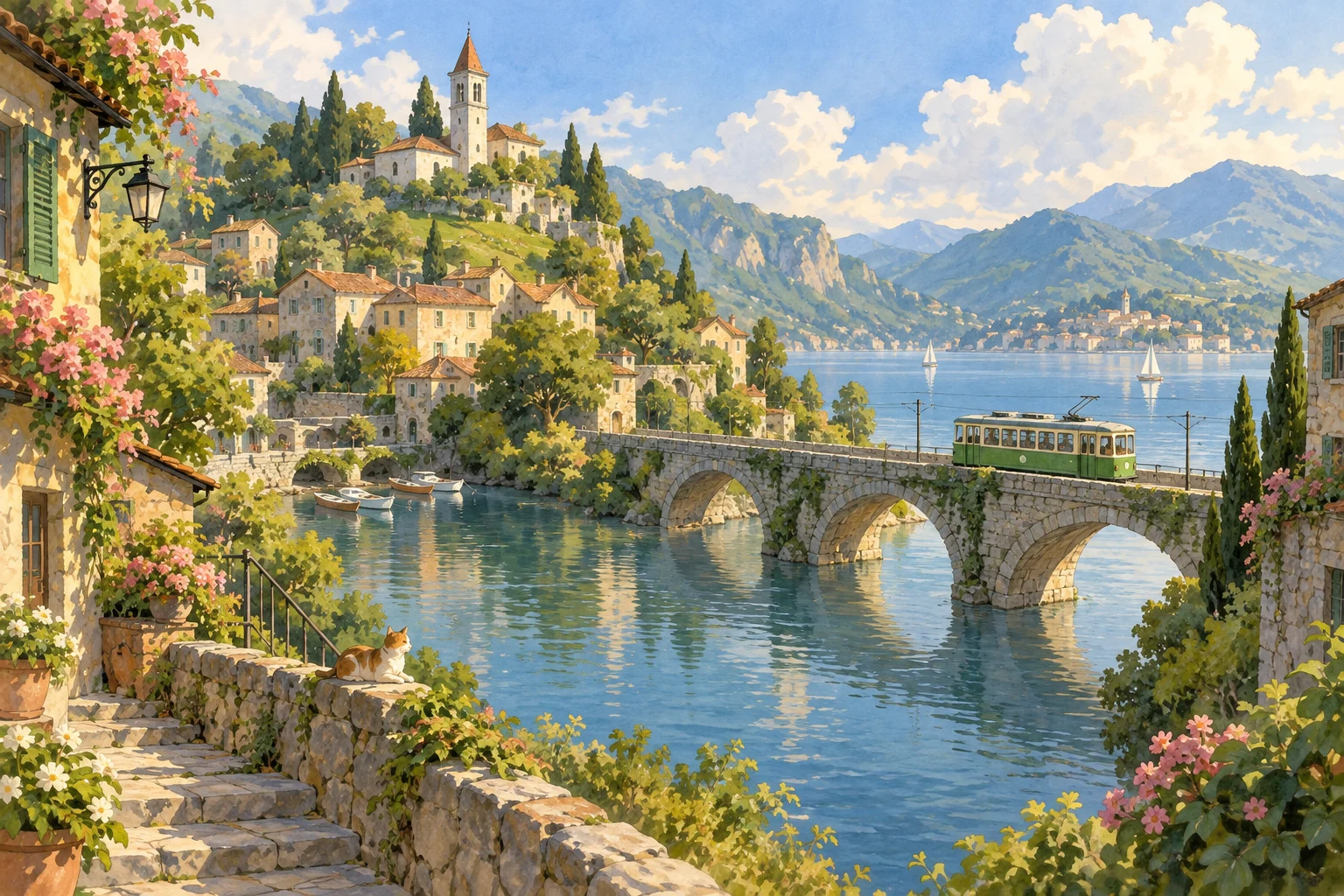
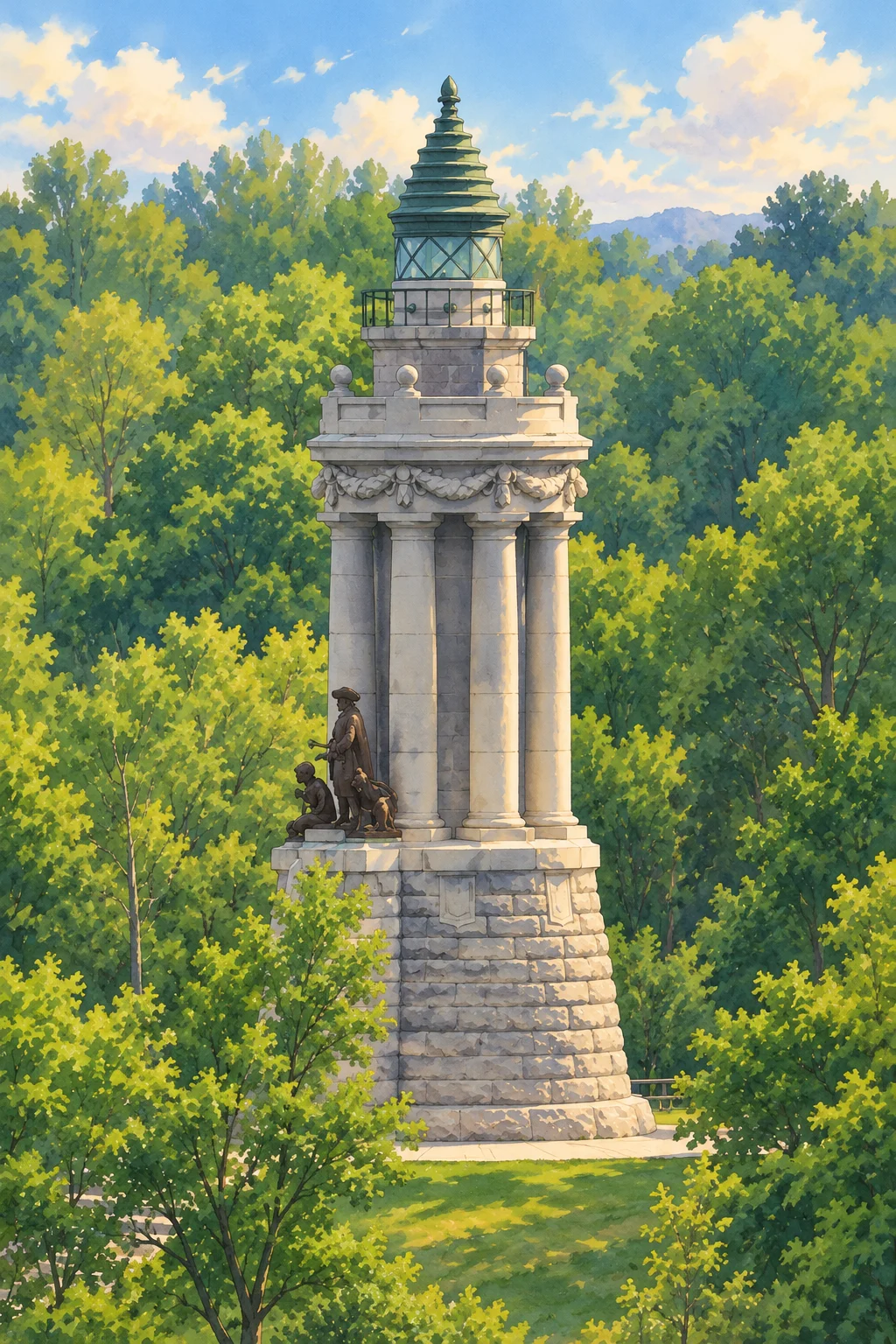
A prompt with a place, light and mood
Start with a concrete scene: a small bakery in a rainy village, a quiet train platform or a garden after sunrise. Add the lighting and a few details that matter. Keep the subject original; the goal is a warm hand-painted visual language, rather than copying a film frame or a protected character.
Compose an original scene without a photograph
This workflow begins with words, so there is no source face or photograph for the model to preserve. Choose one main subject and describe its position in the frame. A landscape frame gives a village, garden or railway space to breathe; a portrait frame suits an original character. Keep a short list of details you care about, then review the generated composition before changing the prompt.
Choose an original subject, then build the world
Begin with one subject that can anchor the illustration: a gardener, a small fox, a village shop or a train platform. Describe its position and the environment around it before adding atmosphere. The Ghibli style art generator uses an animation-inspired visual direction, but the scene is created from your words. It does not retrieve a movie still or supply an existing character. A specific original scene gives you something concrete to inspect and refine.
How to describe a hand-painted atmosphere
Use visible qualities rather than a long list of film names. Ask for soft painted edges, watercolor skies, warm natural light and small everyday details. Specify a season or time of day if it affects the palette: an overcast rainy morning and a bright late-summer afternoon imply different shadows and colors. Limit the number of competing styles. A request for both photorealism and a flat illustration can pull the result in different directions.
Arrange foreground, subject and background
A readable illustration has a visual hierarchy. Place a few leaves or flowers in the foreground, the main subject in the middle, and a simple landscape behind it. Say whether you want a wide view or a closer portrait. Landscape output works well when the place is part of the story; portrait output gives an original character more space. The tool offers frame choices, but not a layer editor or exact object placement controls.
Make a prompt reusable without promising consistency
Keep your scene description in a note and change one element at a time: lighting, viewpoint or setting. This makes it easier to understand what caused a difference between attempts. Reusing a description does not lock a character or guarantee identical details, because this page has no seed or character reference control. If identity from a real photograph is important, the linked photo converter is the more appropriate starting point.
Review an illustration before using it
Look at hands, eyes, object edges and the relationship between the subject and the setting. Tiny lettering may be malformed, so request no text when it is unnecessary and add exact typography separately. A picture intended for a banner may need empty space for a headline; mention that in the prompt rather than hoping the model leaves room. Generated artwork is a creative draft that still benefits from your editing decisions.
What free generation means here
This page uses account credits, rather than offering unlimited free images. New accounts receive 10 signup credits valid for 365 days, and one successful image costs one credit. The generation button displays the cost before submission. Failed provider tasks return the reserved credit. Once an illustration is complete, open My Creations to find it again and download the image. The page does not advertise a print-ready resolution or an editable vector file.