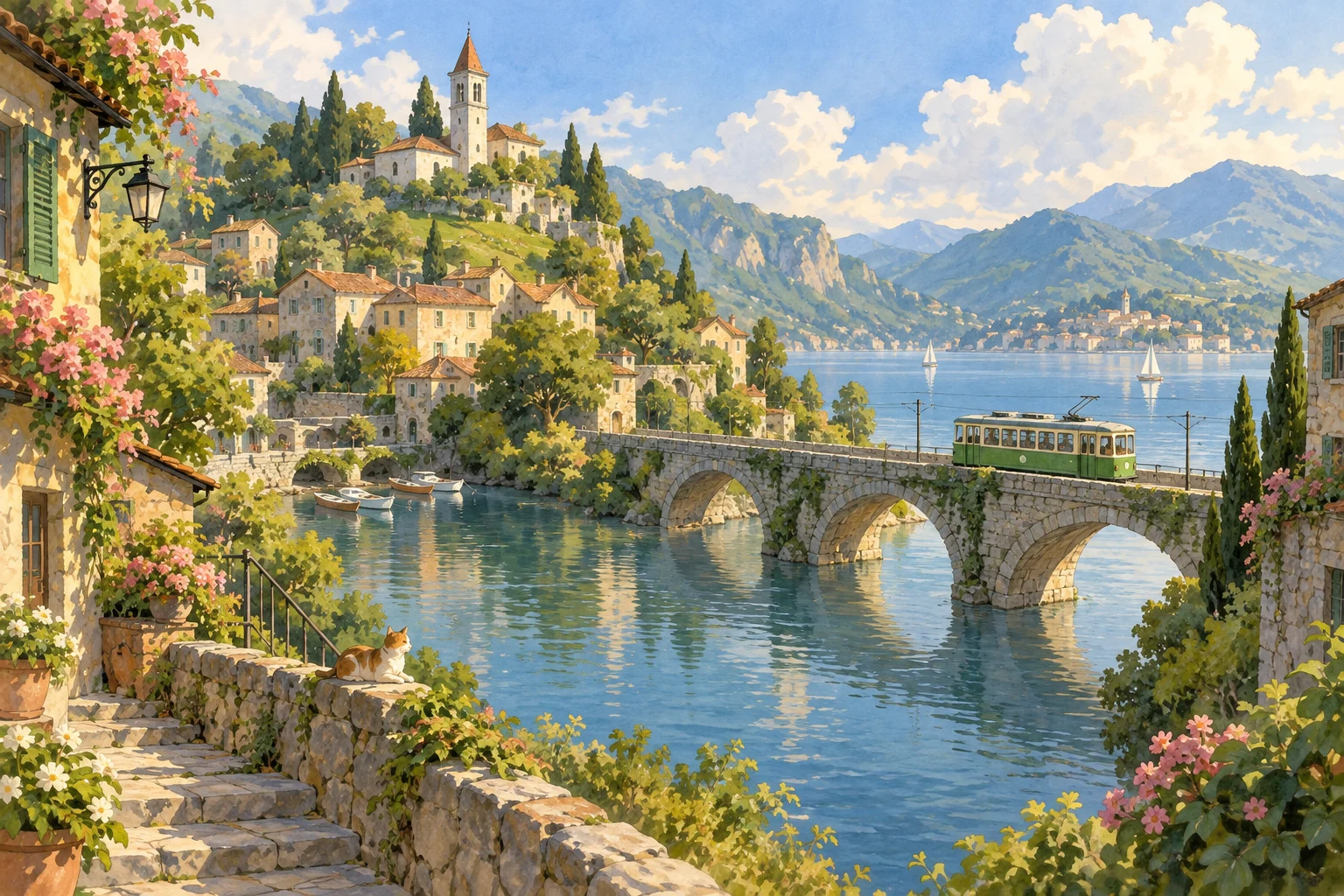
A countryside afternoon
Keep the person recognizable, with soft hand-painted outlines, a quiet countryside village, warm afternoon sunlight, green hills and expressive watercolor skies.
Convert Image to Ghibli Style
Convert image to Ghibli style with your photo as the visual reference. Reimagine a portrait, pet or favorite place with warm natural colors, painterly surroundings and a nostalgic animation-inspired atmosphere. Add a short description to guide the lighting and scene, then review the result before saving.
Add a reference or write a prompt. We’ll take it from there.
AI can change details. Review your result before sharing.The visual direction
These examples were generated with this tool and reviewed. Compare the actual output, reference photo where available, and the prompt before starting your own creation.
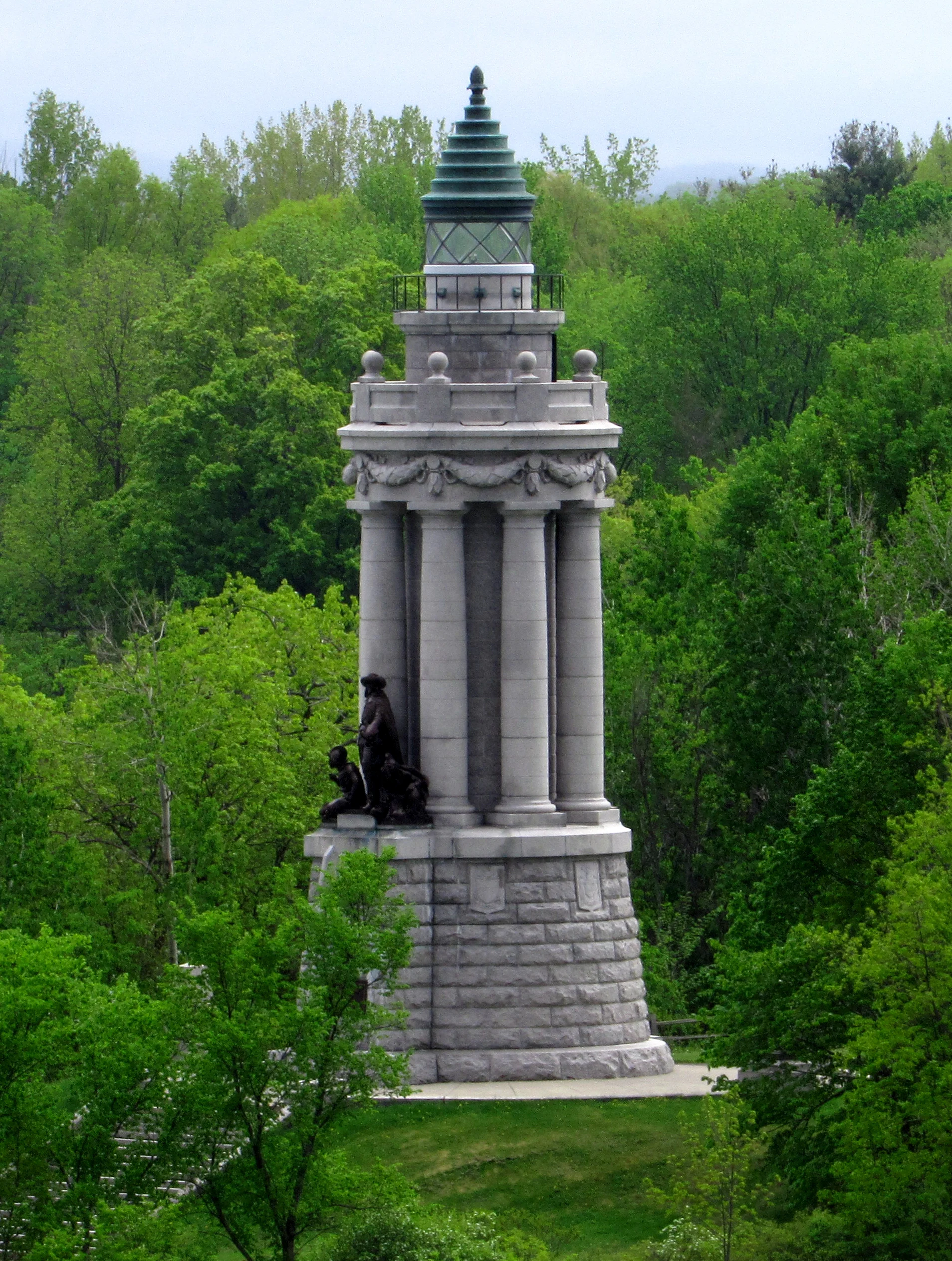
Reference photo
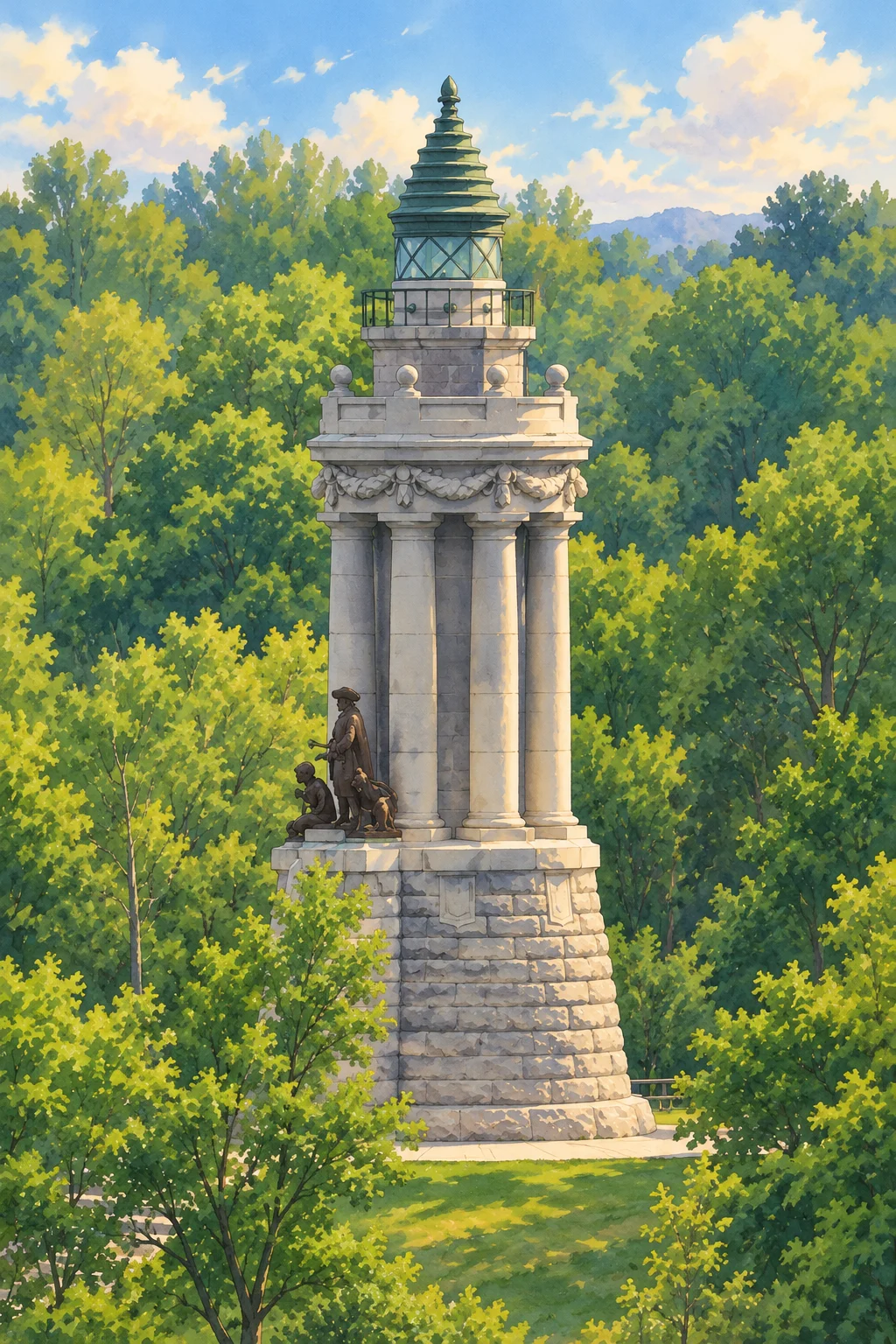
Generated artwork
Created with this photo converter using GPT Image 2 EXT at 1K, portrait framing. The green roof, stone columns and statue remain recognizable, while foliage and light become painterly. This is one reviewed landscape result; portrait likeness has not been tested in this example. Each successful image uses 1 site credit.
Reference: Alex Scrodin / Wikimedia Commons · CC0 1.0
Reviewed:
Keep the person recognizable, with soft hand-painted outlines, a quiet countryside village, warm afternoon sunlight, green hills and expressive watercolor skies.
Reimagine this pet with gentle animation-inspired details, soft fur, a cozy sunlit room, warm muted colors, and a playful storybook atmosphere.
Upload a clear JPG, PNG, or WebP image, up to 10 MB. Well-lit portraits and uncluttered scenes work best.
Describe the mood or setting you want. Try soft afternoon light, a peaceful village, or a lush green landscape.
Generate your artwork, review the result, and download the image. Each successful image uses one credit.
Soft light, painterly skies, quiet landscapes, and small everyday details help create the feeling of a storybook world. This tool applies that visual direction to your photo; it does not reproduce a particular film frame or promise a perfect likeness.
Choose a sharp photograph with one main subject. Faces should be large enough to see clearly, and pets should have visible eyes and outlines. Strong backlighting, tiny subjects, and busy crowds can make the result less faithful to your original.
An uploaded photo is the starting point for this workflow. The model redraws the subject and surrounding scene using the hand-painted direction built into the tool. You can ask to keep the original setting or describe a different one, but a request to change the background may also change small details in the subject. If you have no reference photo and want to invent a world, choose the linked Ghibli art generator instead.
For a portrait, choose a photograph where the face is large and the eyes are visible. For a pet, keep distinctive coat markings and ears inside the frame. For a place, identify the building or landscape feature that matters most. A crowded group photograph makes it harder to maintain every face, so begin with a simple scene and inspect all subjects before sharing the result. The tool does not provide a face-lock setting.
Start the description with the details you want to keep: the subject, hairstyle, clothing colors and general pose. Follow with the environment, light and mood you want to change. For example, ask to preserve a blue coat and seated pose, then add a quiet garden and soft morning light. Avoid contradictory instructions such as keeping the entire background unchanged while moving the subject to a different location.
Use square output for an avatar or a compact composition, portrait output for a standing subject, and landscape output for a setting with room around the subject. The frame choice asks the model to compose a new image; it is not an exact crop of your original photograph. Check that hands, ears and important objects stay inside the finished frame. Download the result before making a separate crop in an image editor.
A redraw can simplify facial features, move objects or change clothing. If the subject becomes hard to recognize, choose a closer reference and reduce the amount of background change in your description. Mention two or three distinguishing details instead of asking the model to preserve everything equally. A new attempt is a separate generation with its own credit cost; there is no promise that repeated attempts will be identical.
Sign in before submitting a conversion. The button shows the one-credit image cost, and the account balance shows whether you can start a request. New accounts receive 10 signup credits valid for 365 days. A failed generation returns its reserved credit; a successful image uses the credit even if you prefer a different artistic result. Finished work appears in My Creations, where you can return to it and download it.
Yes. Upload your own JPG, PNG, or WebP image and add a short description. You need an account and enough credits before generation starts.
No. This is an independent AI tool inspired by hand-painted animation aesthetics. It is not affiliated with or endorsed by Studio Ghibli.
The tool shows the credit cost before you create an image. A successful Ghibli conversion costs one credit. Failed provider requests are refunded.
The image model uses your photo as a reference but may change facial details, objects, or composition. Try a clear portrait and explicitly ask to preserve the main subject.