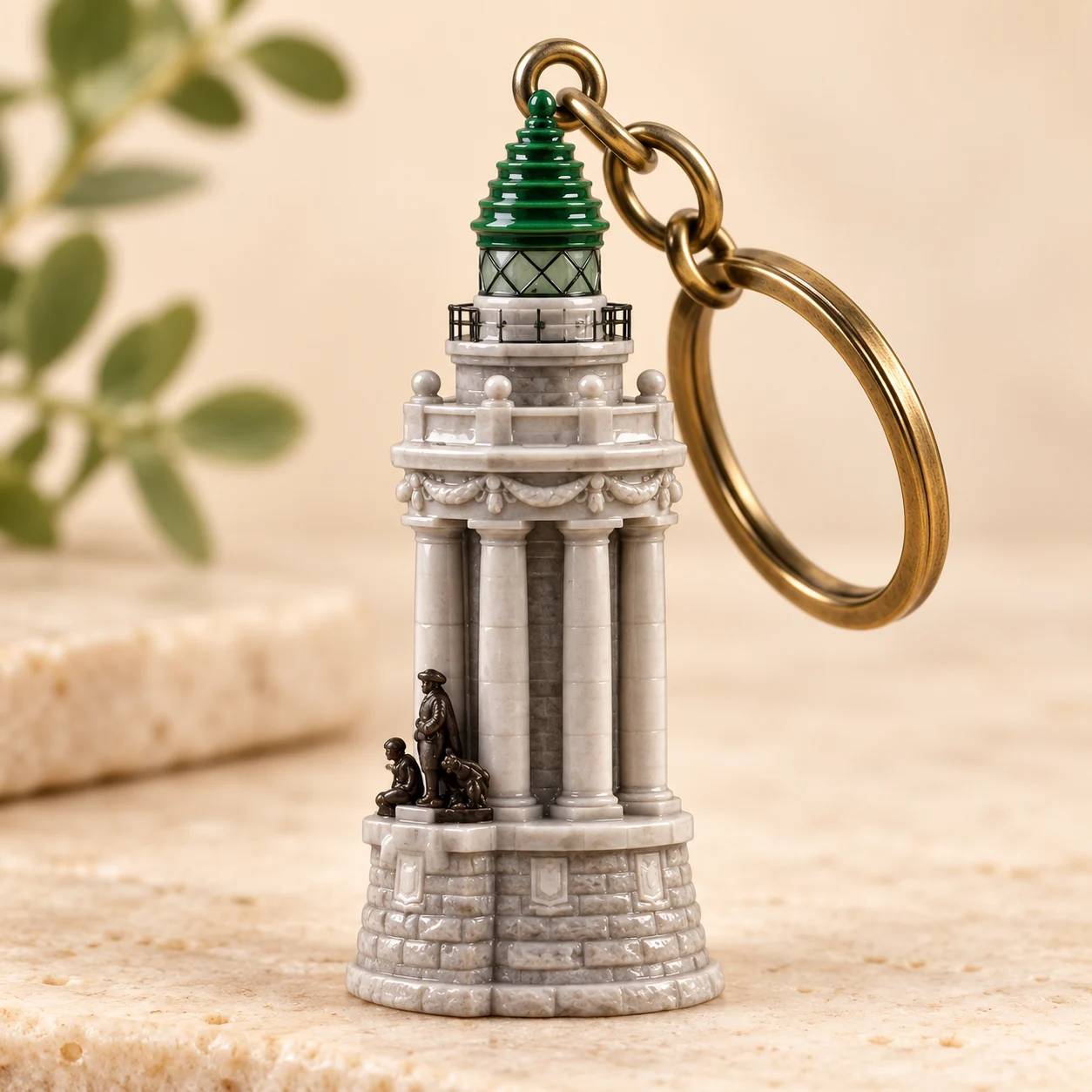
Design a miniature with personality
A recognizable silhouette, simple clothing shapes and one or two defining details make a stronger miniature. Describe resin, enamel or matte finishes and the background you prefer. Avoid asking for fine lettering: AI rendering of small text is unreliable, and a manufacturer would still need a separate production design.
Use images as creative drafts
AI images work well for moodboards, illustration concepts, social posts, and early visual exploration. Check fine details, text, anatomy, and brand marks before publishing. Generated images may contain unexpected errors and should be reviewed as part of your creative process.
Choose the details that make the miniature recognizable
Select a portrait or pet photo with a clear silhouette and visible distinguishing details. A hairstyle, jacket color, pair of glasses or pet marking can carry the identity better than many tiny accessories. Tell the AI keychain generator which two or three details should remain recognizable after simplification. A full-length subject gives it more body information, while a close portrait emphasizes the face. Neither input guarantees an exact miniature likeness.
Material and hardware are visual directions
Describe a glossy resin body, a matte finish or a small metallic ring to guide the rendered appearance. The attached ring is part of the image, not a tested physical connection. Check whether it appears attached to the figurine and whether the shape makes visual sense. A convincing product photograph can still show geometry that would be difficult to produce, so keep the distinction between a visual idea and an engineered product clear.
Compose a product-style concept image
For a clean presentation, request one figurine on a simple background with gentle studio light and a visible contact shadow. A square frame suits a compact display; portrait framing can show the ring above a standing character. If props dominate the concept, remove them from the next prompt. This workflow generates one image, rather than a consistent set of front, side and back orthographic views.
Pet keychains need simple shapes
Use an image where the animal’s eyes, ears and coat pattern are easy to see. Ask for a simplified collectible silhouette and mention the markings you want to retain. Very thin legs, many strands of fur or tiny dangling details may look attractive in a picture but make a weak production concept. If you plan to discuss an idea with a maker, show the reference alongside the concept and let them assess the structure separately.
What the download does and does not contain
The output is a rendered concept image for inspiration or discussion. It is not a shipped keychain, an STL file, a CAD model or a specification with measured dimensions. Turning it into a physical item requires a separate designer or manufacturer to define materials, geometry and attachment points. Do not present a generated image as a photograph of a finished product that you have already made or tested.
Review the face, ring and finish before saving
Inspect the facial features or pet markings, the attachment point and the implied material. If one part looks wrong, simplify that instruction and submit another concept. Each successful image costs one credit; a failed provider task returns the reserved credit. New accounts receive 10 signup credits valid for 365 days. Finished concepts are saved in My Creations and can be downloaded as images. A different artistic outcome after a successful generation is not a failed task.