
Second World Poster Generator

Second World Poster GeneratorLet your photograph continue into paper.

Upload one photo and let its scene continue into a paper world. AI chooses an existing reflection, path, building or branch and creates a small imaginative interaction with plenty of space. Open advanced settings only when you want more control. Creates a 3:4 portrait poster; details and the exact split can change.

Your creative workspace

Just upload a photo. We will find a natural connection and create a 3:4 paper-world poster, without text.

2 credits per creation
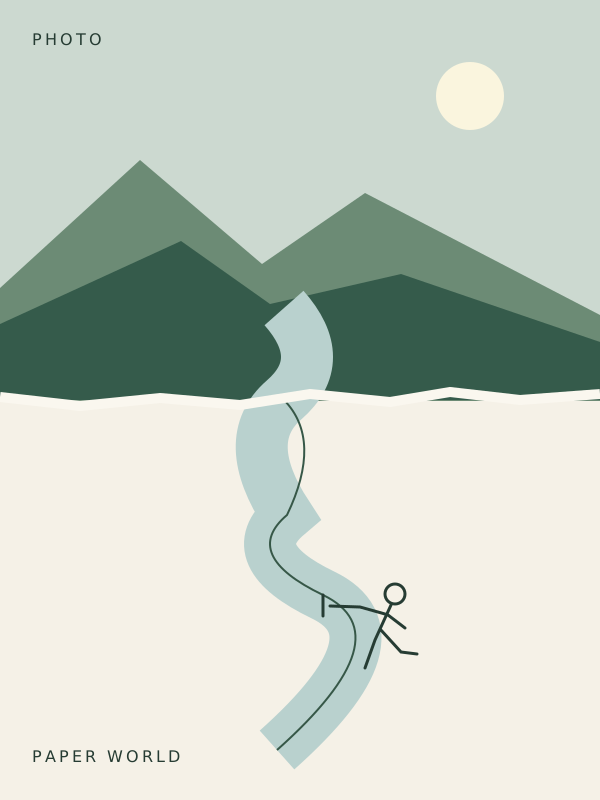
Composition diagram showing a landscape above a continuous river drawn into a paper world below
Illustrative artwork

Your next creation starts here.

Add a reference or write a prompt. We’ll take it from there.

AI can change details. Review your result before sharing.

A few ideas to get you started

A reflection you can gather

Use the existing water and reflections as the connection. Continue their position into the paper area, where one tiny line-drawn figure gently gathers a reflected light. Keep the interaction quiet and the surrounding paper mostly empty.
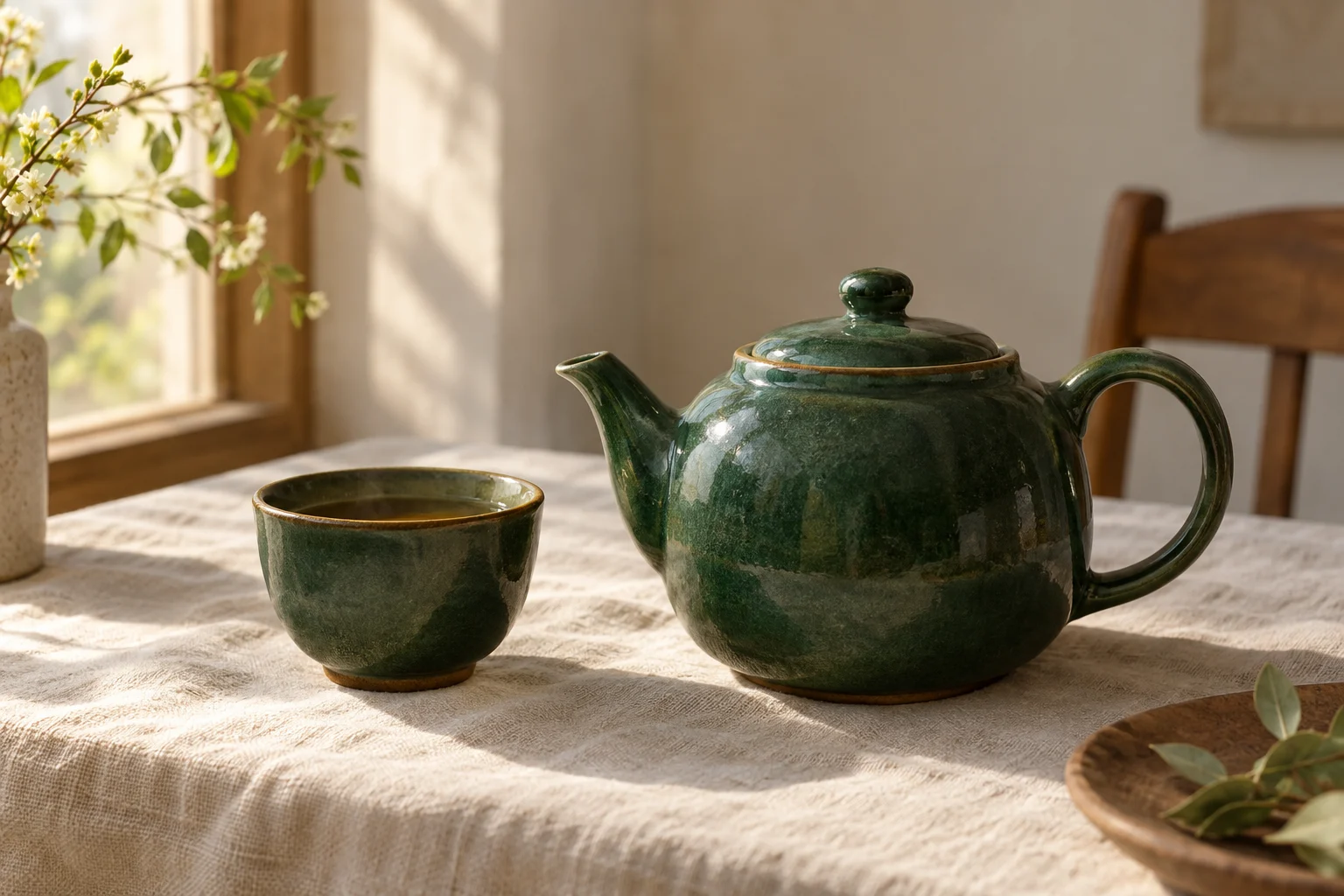
A path that keeps going

Continue the existing path from the photo into a sparse drawn line on the lower paper. Let one tiny traveler follow that same route. Preserve the path direction through the seam; do not add a separate fantasy landscape.

Architecture you can explore

Extend one existing building edge downward into restrained cut-paper steps. Let a tiny line-drawn figure explore that connected structure. Keep the same alignment at the photo boundary and avoid an isolated floating platform.

A simple creative process

01

Choose one photograph

Upload a JPG, PNG or WebP under 10 MB with a visible water surface, path, branch or architectural edge. Use an image you own or can transform.

02

Click generate

No prompt or style selection is needed. AI chooses the connecting structure and leaves text out by default. Open advanced settings to guide an action or request an English caption.

03

Create and review

Generate one digital poster for two credits. Check the seam, recognizable photo details and any text, then download the image when the task finishes.

One photograph, two connected realities

This effect starts from a single reference photograph. Its upper region stays photographic, while a structure from that scene continues into paper below. A river can become something a tiny figure pulls; a road can become a line to follow. This is a narrative poster rather than a grid assembled from several photographs. The model re-renders the input, so exact preservation of every original pixel is not guaranteed.

Pick a photograph with a useful connecting line

Water, reflections, winding paths, branches and architectural edges give the model something concrete to extend. Choose a clear image with visible structure near the intended middle of the poster. Leave room for cropping. A tightly cropped face or an empty sky may provide less spatial guidance. The structure selector points the model toward a feature; it cannot create a reliable connection when that feature is missing.

Give the lower world one physical action

A single action is easier to read than many unrelated props. Describe someone gathering a reflection, walking along a line from a road, or climbing an edge from a building. Ask for a small interaction tied to something that already exists in your photo. Keep the paper region sparse so the connection remains the focus. These are creative directions, not guarantees of identical results across photographs.

Inspect the seam before the decoration

Trace the selected feature across the midpoint. Its position, direction and scale should make sense. Then check that the photographic area retains recognizable details and that the lower region stays light. Reject a detached paper island or an unrelated window into another scene. For another attempt, narrow the prompt to the connecting object and one action; a successful but unsuitable image still consumes two credits.

Choose a caption only when it helps

The default output contains no lettering. You can request a brief handwritten English line about the visible action. AI text can be misspelled or distorted, especially at small sizes. Inspect it at full resolution. When exact wording matters, choose no caption and add your own type afterward in an image editor. This tool downloads a raster image, not a layered design file.

A digital poster for your own photographs

Use photos you own or have permission to transform. Generations stay in your account; uploading a photo does not publish it to the gallery. Each successful result costs two credits, and failed provider tasks return reserved credits. Monthly subscription credits expire at the billing period end. Download the completed image from the result panel or My Creations. This is a digital image tool, not a printing or delivery service.

Good questions, simple answers.

Is this a multi-photo collage maker?+

No. Each task accepts one reference image and creates one connected photo-and-paper poster. For separate photos, submit separate tasks; each successful result uses two credits.

Does it preserve my photo exactly?+

The instructions aim to preserve recognizable subjects, colors and lighting, but the model re-renders the image and may crop or alter details. It is not a pixel-preserving image compositor.

How does the poster effect work?+

The tool extends a visible structure from your photograph into a paper scene with sparse collage and line-drawn details. Every photograph creates a different result.

Can I add a caption?+

Choose no caption or a short English caption. Generated lettering can contain errors. For exact words or another language, generate without text and add your own caption afterward.

Is the split always exactly 50/50?+

The workflow requests equal photographic and paper regions in a 3:4 image. The model can vary the seam and division; inspect each result rather than relying on exact layout measurements.

Will my uploaded photo appear in the gallery?+

No. Your generated result stays in your account and is not automatically published to the gallery. Upload only photos you own or have permission to transform.

Keep exploring